Loop Engineering: How to Design Reliable AI Agent Workflows
Reliable AI agents depend on well-designed observe, plan, act, evaluate, and recover loops. Learn how loop engineering turns demos into production workflows.

AI agents are often described as autonomous systems, but most production agents are better understood as controlled loops. They observe context, plan a next step, act through tools, evaluate the result, and decide whether to continue, escalate, or stop. The quality of that loop determines whether an agent feels useful or chaotic.
“Loop engineering” is not yet a fully standardized industry term, but it is a useful way to describe the practical design work behind reliable agents. A chatbot can answer a question with one response. An agent needs repeated decision cycles, and each cycle introduces cost, latency, risk, and failure modes.
The Basic Agent Loop
A practical agent loop has five parts:
- Observe: Gather user intent, system state, retrieved knowledge, and workflow constraints.
- Plan: Decide what should happen next and what tool, data, or person is needed.
- Act: Call a tool, draft a response, update a record, or trigger a workflow.
- Evaluate: Check whether the result meets the goal and policy constraints.
- Recover or stop: Retry, ask for clarification, escalate, or finish.
Many failed agent projects skip the evaluate and recover steps. The agent acts, but no one has designed how it knows whether the action worked.
Why Loops Fail
Agent loops fail for predictable reasons:
- the goal is too broad
- the agent has too many tools
- retrieved context is noisy
- retry limits are missing
- tool errors are not handled
- human escalation is unclear
- success criteria are vague
- logs do not show intermediate decisions
This is why a demo can look impressive while production performance disappoints. A demo only needs to succeed once. A production loop needs to succeed repeatedly across edge cases.
Design the Stop Condition First
One of the most important loop-engineering questions is: when should the agent stop?
Useful stop conditions include:
- the requested task is complete
- confidence is too low
- the user asks for something outside scope
- a tool fails repeatedly
- the cost budget is reached
- a high-risk action requires approval
- the workflow needs missing information
Without stop conditions, agents can overrun costs, loop through unnecessary tool calls, or generate increasingly weak answers.
Put Budgets Inside the Loop
Every loop should have budgets. These budgets do not need to be complicated, but they need to exist.
Examples:
- maximum tool calls
- maximum retrieval attempts
- maximum runtime
- maximum token spend
- maximum retries
- maximum autonomous actions
Budgets force the design team to decide what “enough” means. They also make costs easier to explain to business stakeholders.
Build Evaluation Into Each Cycle
Evaluation should not happen only after deployment. It should be part of the loop.
For example, after drafting a support response, the agent can check:
- Did it answer the user’s actual question?
- Did it cite an approved knowledge source?
- Did it avoid prohibited claims?
- Should this case be escalated?
- Is the tone appropriate?
For internal operations, evaluation may check whether a record was updated correctly, whether a calculation matches expected format, or whether a downstream system accepted the action.
Human-in-the-Loop Is a Design Pattern
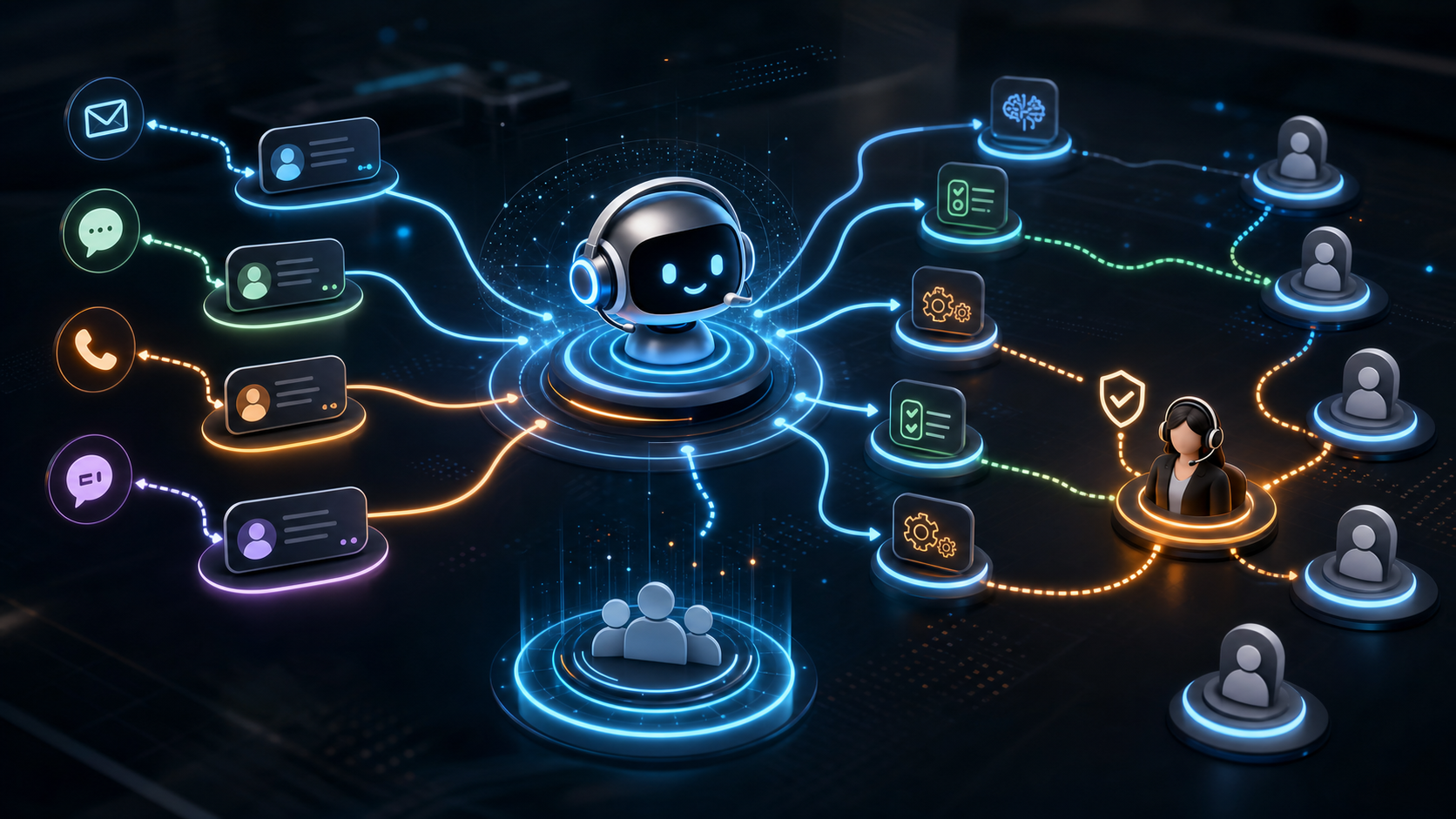
Human review is not a sign that the agent failed. It is a design pattern for controlling risk.
Use human checkpoints when:
- the agent is new
- the action is hard to reverse
- the user is frustrated
- regulated data is involved
- the workflow has commercial impact
- confidence is low
- the agent sees a scenario outside test coverage
Over time, review can move from every case to sampled cases and exception cases. The key is to design that transition deliberately.
Loop Observability
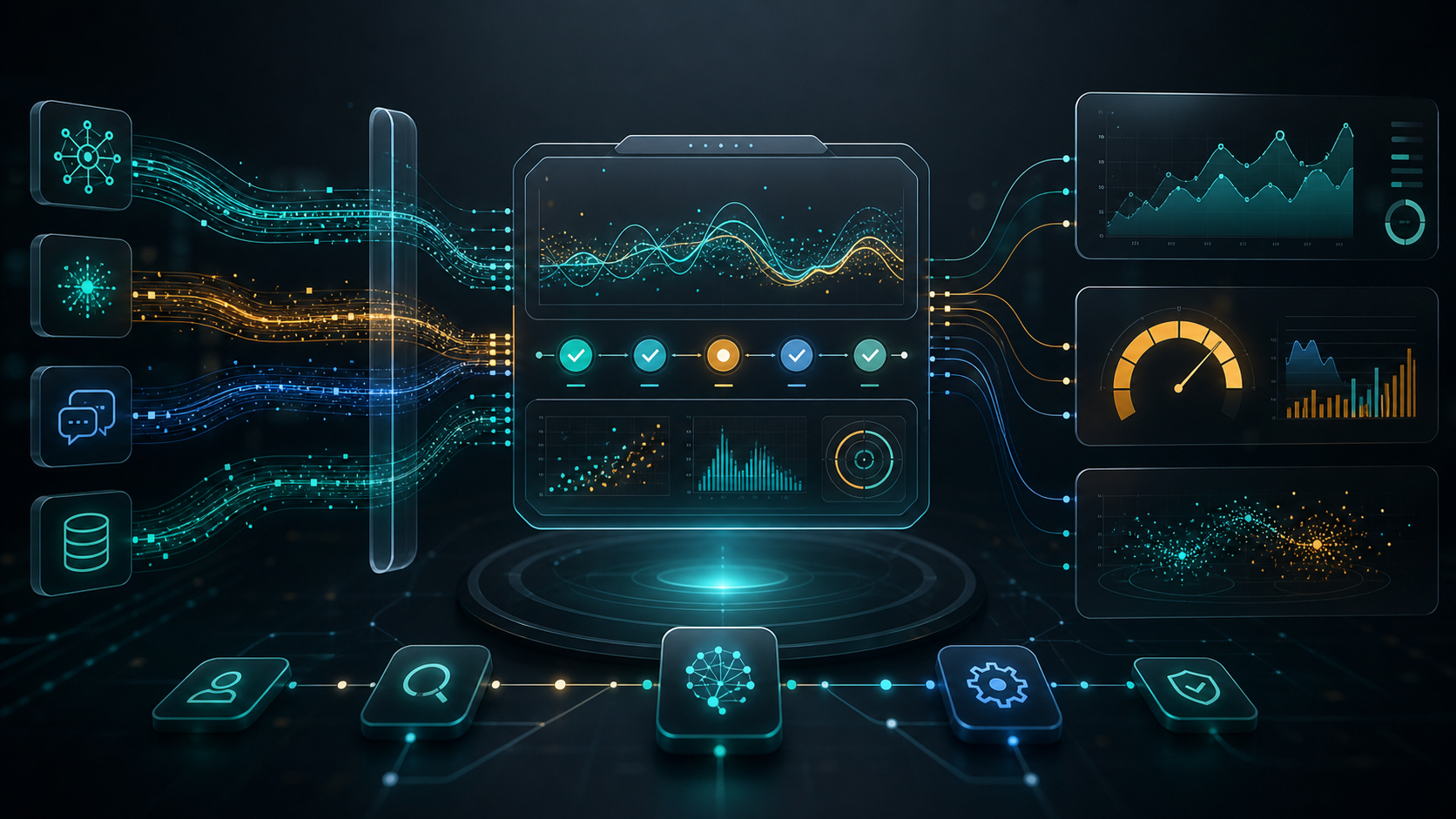
Teams need to see what happened inside an agent loop. Logs should capture:
- input context
- retrieved sources
- plan steps
- tool calls
- tool outputs
- model responses
- evaluation results
- escalation reasons
- cost and latency
This observability helps teams debug failures and improve the workflow. It also supports governance, especially when agents access internal data or business systems.
How ModelShifts Can Help
ModelShifts helps teams design agent workflows that are scoped, observable, measurable, and safe to scale. That includes loop design, tool permissions, evaluation tests, human-review patterns, and cost controls.
If your team is moving from AI demos to production agents, contact us to design the workflow loop before you build.