Customer Support AI Agents: A Practical Implementation Roadmap
Customer support is one of the fastest-moving AI agent use cases. This roadmap shows how to deploy support agents without damaging trust or service quality.
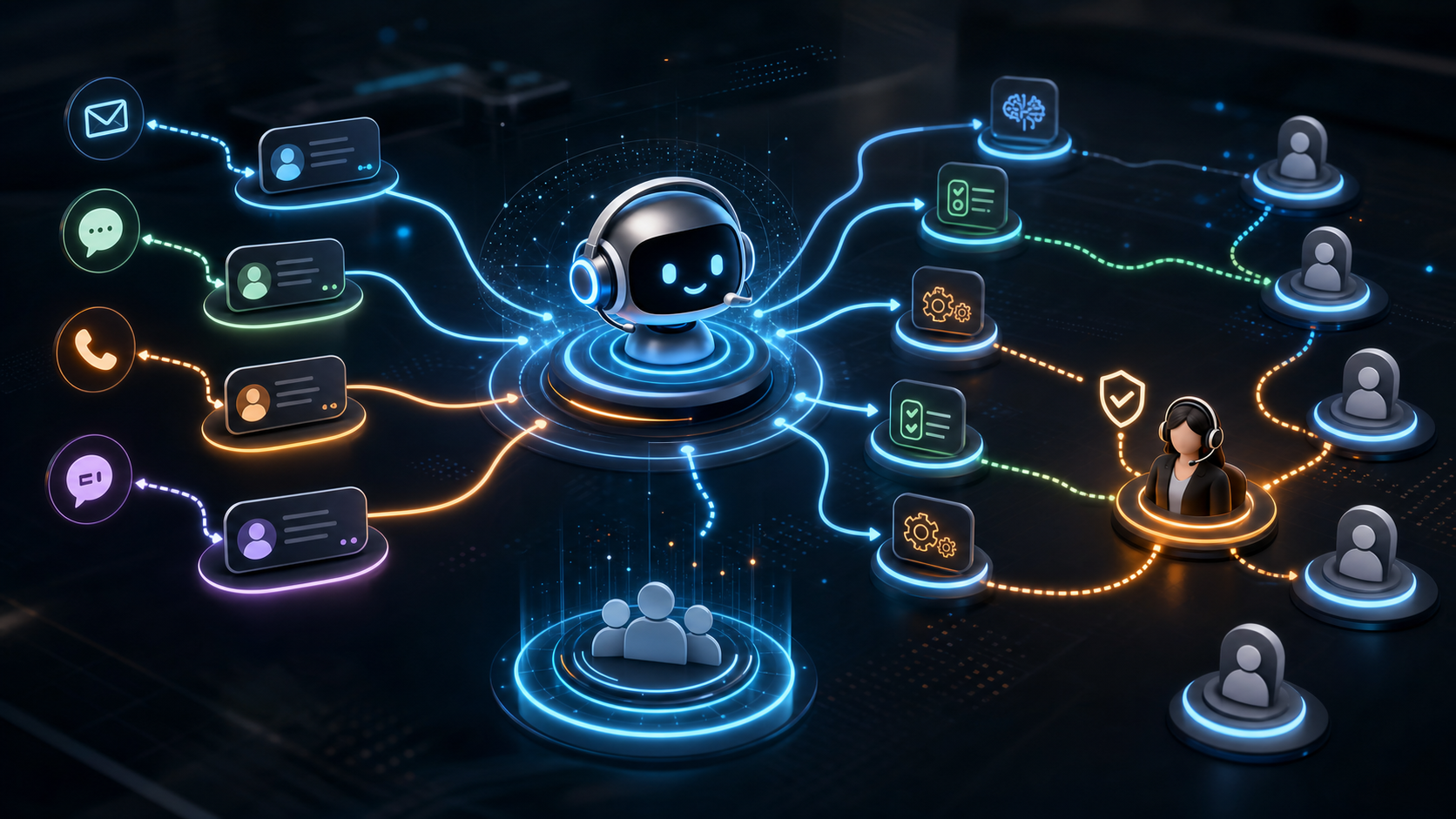
Customer support is becoming a major proving ground for AI agents. Companies want faster response times, lower ticket volume, better routing, and more consistent answers. Recent reporting on an Adobe finding said that many firms expect AI agents to handle customer support interactions within 18 months, while far fewer have deployed them across the full organization today. That gap matters: expectation is moving faster than implementation maturity.
The right question is not whether AI can help customer support. It can. The question is how to introduce agents without creating poor customer experiences, compliance risk, or a support process no one understands.
Start With Support Segmentation
Do not begin with a general-purpose support agent. Begin by segmenting support work.
Typical categories include:
- simple FAQ requests
- account or billing questions
- troubleshooting flows
- order status updates
- refund or cancellation requests
- technical escalation
- regulated or sensitive cases
Each category has different risk. A password reset flow is different from a medical, financial, or legal support case. A good roadmap separates low-risk automation from workflows that need human judgment.
Choose the First Use Case Carefully
The best first support-agent use case has high volume and low ambiguity.
Good candidates:
- ticket classification
- knowledge-base answer drafting
- internal agent assist
- post-call summarization
- routing and prioritization
- duplicate ticket detection
Riskier starting points:
- full autonomous refunds
- policy exceptions
- angry customer negotiation
- regulated advice
- cases involving sensitive personal data
The goal of the first deployment is to prove reliability, not to replace the whole support function.
Build the Knowledge Layer
Support agents fail when the knowledge layer is weak. If policies are outdated, inconsistent, or scattered across documents, the agent will surface that confusion faster than a human would.
Before deployment, review:
- support macros
- help center articles
- internal SOPs
- escalation rules
- pricing and billing policies
- product release notes
- known issue lists
Then decide which sources are authoritative. The agent should cite or link to the source used for important answers. This makes outputs easier to audit and easier for support teams to trust.
Keep Humans in the Loop at the Right Places
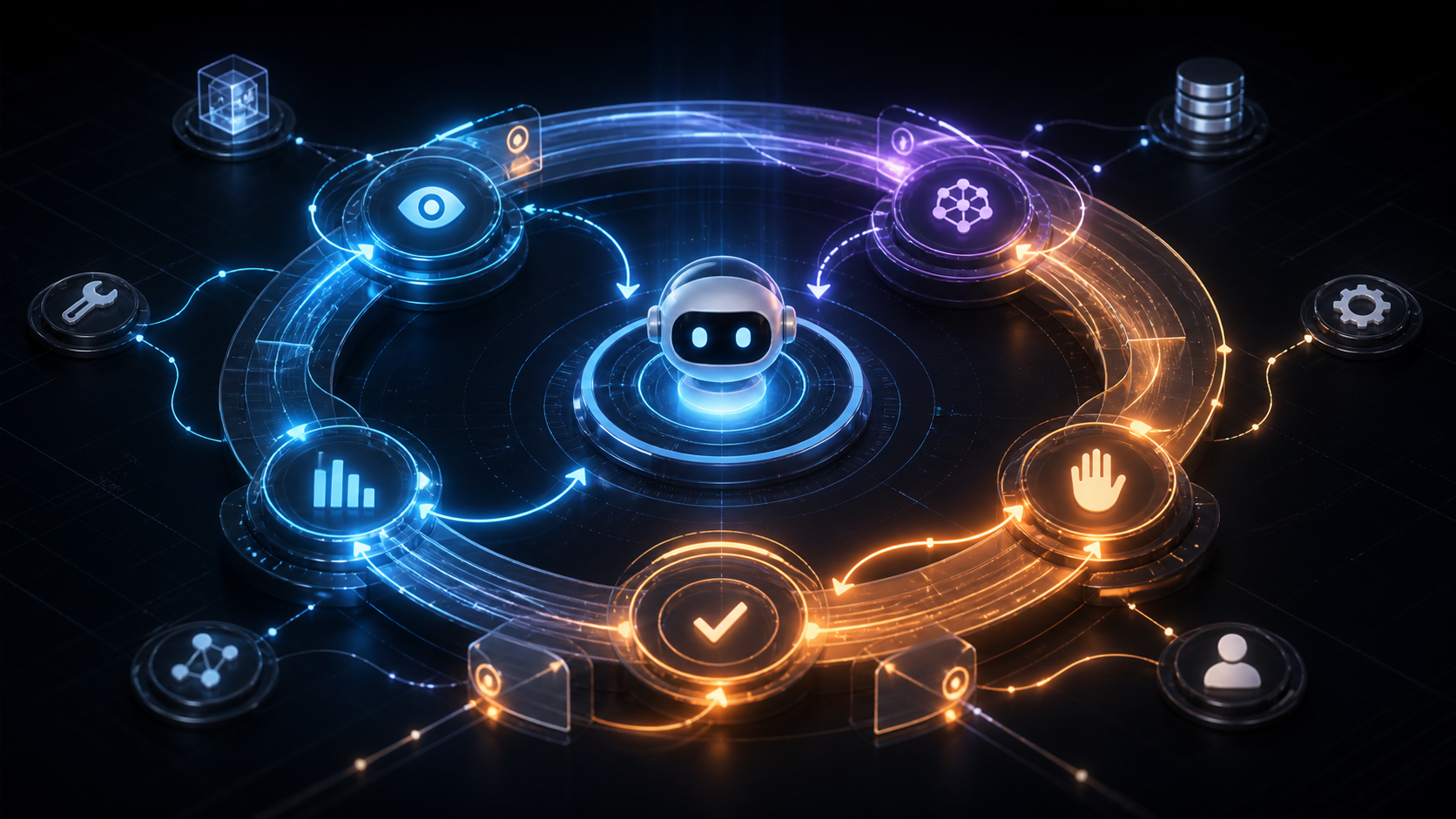
A support roadmap usually has three phases.
Phase 1: Assist
The AI drafts answers, summarizes tickets, recommends categories, and suggests next steps. A human remains responsible for the customer response.
Phase 2: Supervised automation
The AI handles narrow request types but routes exceptions to a human. For example, it may answer order status questions or collect diagnostic information before escalation.
Phase 3: Controlled autonomy
The AI resolves specific tickets end to end under defined limits. This requires monitoring, audit logs, and clear rollback paths.
Skipping directly to phase 3 is where many teams create avoidable risk.
Measure Customer Outcomes, Not Just Deflection
Ticket deflection is not enough. A company can reduce tickets and still make customers unhappy if answers are shallow or wrong.
Track:
- first response time
- first contact resolution
- escalation rate
- reopen rate
- customer satisfaction
- agent acceptance rate
- incorrect answer rate
- time saved by support staff
- cost per resolved ticket
Also review samples of conversations. Quantitative metrics tell you what changed. Conversation review tells you why.
Design for Escalation
The best support agents know when to stop. Escalation should happen when:
- the user is frustrated
- the case involves high value
- confidence is low
- the user disputes the answer
- the policy is unclear
- personal or regulated data is involved
- the request falls outside known workflows
Escalation should include a useful summary for the human agent. Otherwise, customers have to repeat themselves, which damages trust.
Prepare the Support Team
Support agents should not feel that AI is being dropped into their workflow without input. In practice, human support teams are critical to making AI useful. They know where policies are unclear, where customers struggle, and where current systems create friction.
Train the team on:
- how the AI works at a practical level
- what it can and cannot do
- how to correct bad outputs
- how feedback improves the system
- which cases must be escalated
- how performance will be measured
This is a change-management project as much as a technology project.
How ModelShifts Can Help
ModelShifts helps companies design and deploy AI support workflows with the right balance of automation, customer experience, and governance. We can help you select the first use case, prepare the knowledge base, build evaluation tests, and train your team.
If customer support automation is on your roadmap, contact us to plan a controlled first deployment.