AI Observability: How to Monitor Agents, Prompts, Cost, and Drift
Production AI needs more than logs. Learn how to monitor agent behavior, prompt quality, retrieval, cost, latency, drift, and business outcomes.
AI projects often fail quietly. The demo looks good, the first workflow ships, and then quality drops as real users, messy data, longer conversations, new edge cases, and rising token spend enter the system. Traditional application monitoring will tell you whether an endpoint is up. It will not tell you whether an AI agent is using the right tool, citing the wrong document, spending too much context, or drifting away from the intended operating policy.
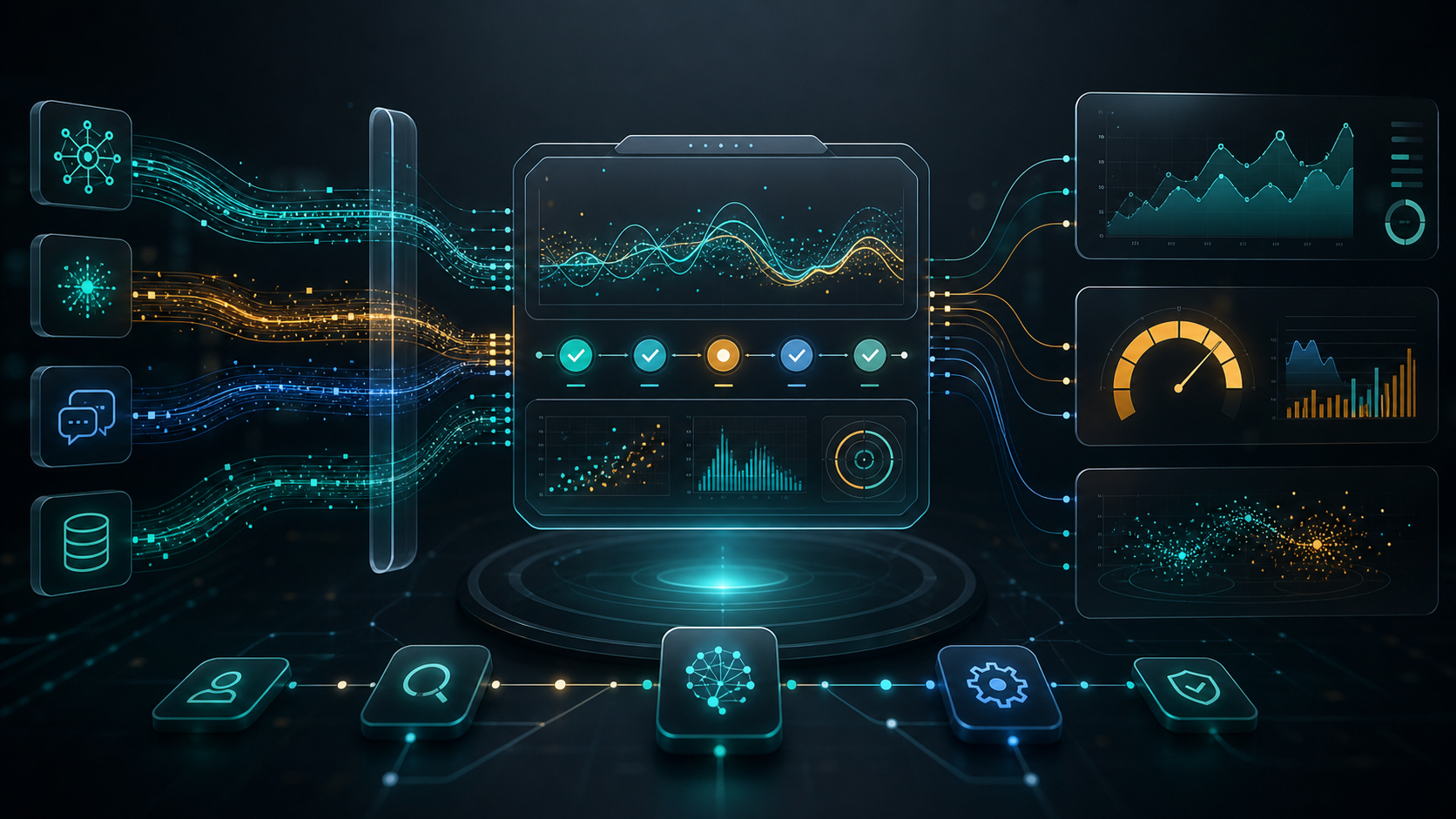
That is why AI observability is becoming a core production discipline. It connects engineering telemetry, evaluation, governance, and business metrics so teams can operate AI systems with the same seriousness they apply to software, security, and finance.
What AI Observability Should Monitor
A useful observability layer should answer six practical questions:
- Did the system produce a useful answer?
- Which context, tools, and model calls influenced the answer?
- How much did the workflow cost?
- Where did latency come from?
- Did the system follow policy and permission rules?
- Is quality improving, stable, or drifting?
This is broader than prompt logging. It includes prompts, retrieved documents, tool calls, model routing, evaluations, user feedback, workflow state, incident review, and business outcomes.
Start With Workflow Traces
For a simple chatbot, one request may map to one model call. For an agent workflow, one user request can trigger retrieval, planning, multiple tool calls, retries, validation, escalation, and a final response. Without traces, teams only see the final output and lose the chain of decisions behind it.
Capture:
- user intent and workflow type
- model and version
- system and developer instructions
- retrieval query and selected sources
- tool calls and tool responses
- token usage by step
- latency by step
- evaluator scores
- human overrides
- final outcome
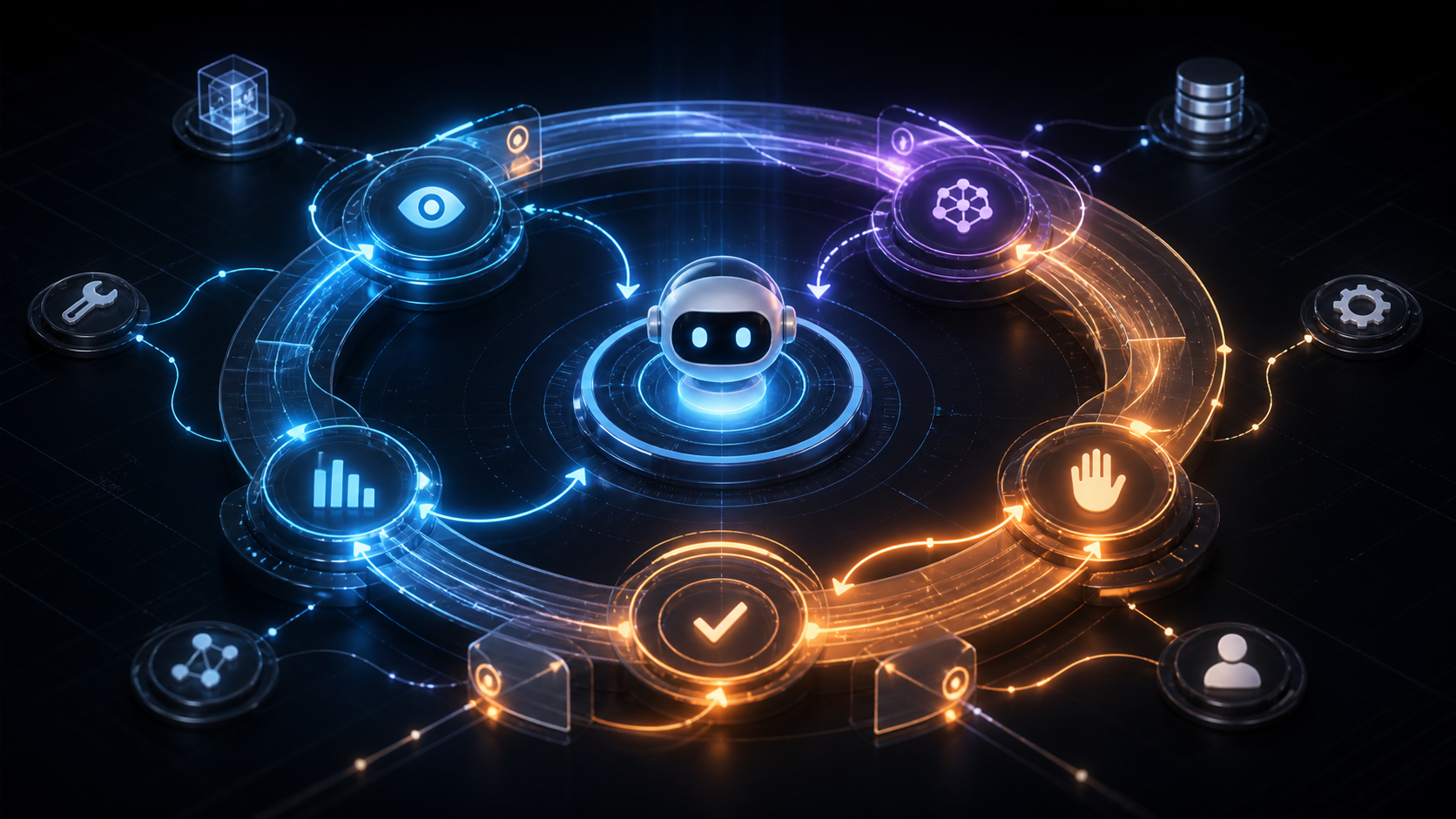
This gives teams the evidence needed to debug a bad answer, tune a workflow, and decide which agent loops should be automated further. It also pairs naturally with loop engineering, where each observe, plan, act, evaluate, and recover step needs measurable behavior.
Treat Cost as a First-Class Metric
AI cost is not only model price. It is context size, retry behavior, tool latency, routing decisions, evaluation overhead, and the cost of failed automation. A workflow can look impressive while still being economically weak.
Track:
- cost per successful task
- tokens per workflow step
- retries per task
- cache hit rate
- retrieval volume
- cost by customer, team, or product area
- cost by model class
- escalation and fallback rate
When costs rise, the answer is not always to use a cheaper model. It may be to reduce context, improve retrieval, cache stable outputs, route routine tasks to smaller models, or prune low-value workflows. For a deeper cost-control view, see AI Cost Control: Why Context Engineering Is Becoming Essential.
Measure Retrieval and Context Quality
Many AI failures are context failures. The model receives outdated documents, too many irrelevant snippets, missing permissions, or a context window filled with noise. Observability should show what the system actually used, not just what it could have used.
Monitor:
- source relevance
- source freshness
- missing-source rate
- citation accuracy
- permission mismatches
- duplicate context
- context compression quality
- answer faithfulness to retrieved material
This is where context engineering becomes operational. Teams need to design and measure the information flow around the model, not only improve the wording of prompts.
Add Evals Before You Need an Incident Review
Teams often add evaluations after something goes wrong. That is backwards. Evaluations should be part of the release process and the monitoring loop.
Useful evals include:
- task success checks
- policy compliance checks
- hallucination and citation checks
- tool-use correctness
- tone and brand checks
- safety and escalation checks
- regression tests for known failures
- human review sampling
Do not rely on one generic score. Production teams need targeted evals by workflow type. A customer support agent, financial analysis assistant, sales research workflow, and internal coding agent have different failure modes.
Watch for Drift
AI drift can come from model updates, changing user behavior, new documents, modified prompts, tool changes, or seasonal business patterns. Even if the model does not change, the workflow environment does.
Warning signs include:
- rising escalation rate
- declining user acceptance
- more retries
- longer prompts
- more policy flags
- higher cost per task
- lower citation quality
- uneven performance across teams or customer segments
The goal is not to eliminate change. The goal is to detect when change harms reliability, trust, or economics.
Connect Observability to Governance
Observability is the evidence layer for AI governance. A policy document alone cannot prove that an agent respected access limits, escalated sensitive cases, or avoided unsupported actions. Logs, traces, evals, and review workflows make governance operational.
At minimum, define:
- who owns each AI workflow
- what actions the workflow may take
- what data it may access
- which failures require escalation
- which metrics trigger review
- who can approve prompt, model, retrieval, or tool changes
This connects directly to AI Agent Governance, where ownership and control become more important as agents move from recommendations into action.
Build the Dashboard Around Decisions
Many dashboards fail because they show everything and guide nothing. The best AI observability dashboards help teams make decisions.
Design views around:
- release readiness
- incident investigation
- cost optimization
- workflow quality
- model comparison
- customer impact
- governance review
- portfolio pruning
For example, a leadership dashboard might show cost per successful task, automation rate, risk incidents, and ROI by workflow. An engineering dashboard might show traces, prompt versions, model latency, retrieval quality, and failed evals.
How to Start
You do not need a perfect platform on day one. Start with the highest-risk or highest-cost workflow and instrument it deeply.
Practical first steps:
- map the workflow steps
- define success and failure for each step
- log prompts, model calls, retrieval, tools, cost, and latency
- add targeted evals for known failure modes
- sample human reviews
- review cost per successful outcome weekly
- create incident and rollback rules
- link metrics to portfolio decisions
Once this pattern works, reuse it across agents and AI workflows.
How ModelShifts Can Help
ModelShifts helps teams design production-ready AI systems with observability, governance, evaluation, and cost control built in from the start. We can audit existing workflows, design monitoring dashboards, and build the operating model needed to scale agents responsibly.
If your AI systems are moving from prototype to production, contact us to design the observability layer before quality, cost, or trust becomes the blocker.